Skip to content

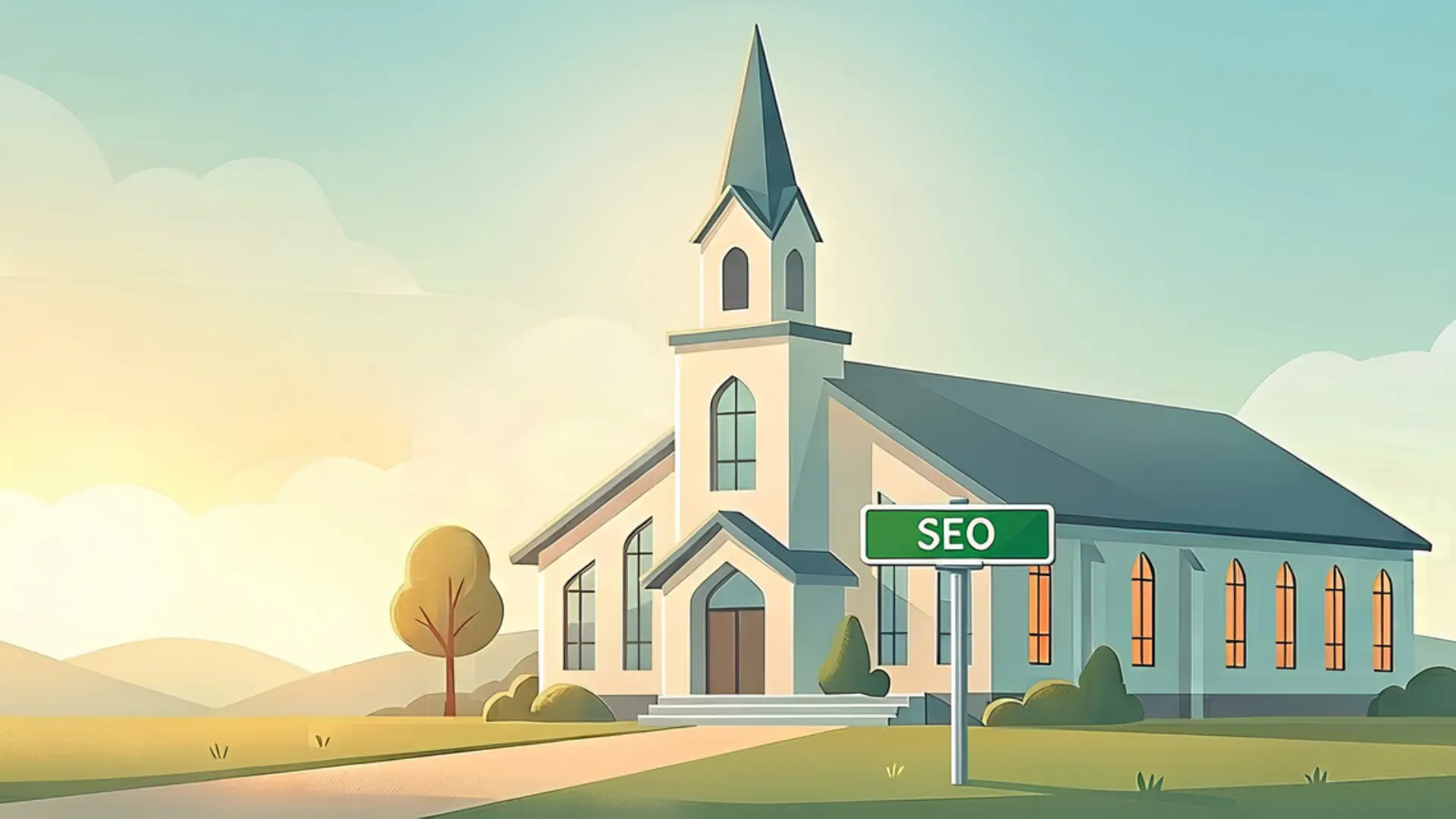
If you’ve ever sat in a meeting, heard someone mention “SEO,” and just quietly smiled and nodded while hoping nobody asked for your input—you are in good company. Honestly, we’ve been on the receiving end of tech-heavy marketing conversations too, and it’s no fun.
Here’s the truth: your calling is to love people, shepherd your community, and share hope. It is not to keep up with search engine algorithms, and you never have to apologize for asking basic questions.
Here’s the good news: we want to help strip away all the technical noise. So, at its most basic level, what is SEO for churches?
SEO stands for Search Engine Optimization, but don’t let the name confuse you. It’s simply content on your website that Google can find. Think of it like putting clear street signs outside your church building. It’s just making sure the information on your site is easy for search engines to read, so when a family in your town goes online looking for help, hope, or a place to belong on Sunday, Google knows how to connect them to you.
Here are 7 judgment-free answers to the SEO questions church leaders ask us most often—plus 5 simple, practical things you can do today.
PART 1: The Plain-English SEO for Churches Q&A
1. “What is Google actually doing when it looks at our website?”
Think of Google like a helpful librarian. When someone types a question into the search bar (like “churches with a great kids program in [City]”), Google flips through its massive catalog of websites to find pages that clearly mention family ministry, service times, and your city’s name.
2. “If I search our church’s exact name and we show up, isn’t our SEO already fine?”
Searching your exact name is like someone looking you up in a phone book when they already know who you are. Good SEO is about reaching people who don’t know your name yet—the family that just moved to town searching “churches near me” or someone looking for “marriage support in [City].”*
3. “Why does the church down the street show up before us on Google?”
It usually comes down to location clarity and consistent updates, not favoritism. Google ranks nearby churches higher when their address details are crystal clear on every page, their website updates regularly, and local visitors interact with their site often.
4. “Is SEO for Churches a one-time project we can just check off our list?” We wish it were, but SEO is a long game built on consistency.
Think of it more like tending a garden—it’s a slow, ongoing process that needs regular care. You don’t have to overhaul your site overnight, but adding simple updates (like posting sermon notes, sharing event details, or updating your pages every month or two) signals to Google that your church is active, welcoming, and open for visitors.
5. “Do we need to write in special ‘marketing speak’ for Google?”
Nope! Years ago, people tried to repeat phrases over and over to trick search engines, but those days are long gone. Google rewards websites that write the way real humans speak. If you write naturally about your nursery care, your Sunday service times, and your heart for your city in plain language, Google will understand it.
6. “Does website speed really affect whether people find us?”
It does, but only because Google wants to care for your visitors’ time. If someone clicks your link on their phone and it takes 10 seconds to load because of massive image files, they’ll often hit the back button. Google notices when visitors leave quickly and gently moves faster sites higher up the list.
7. “If we already have a Google Ad Grant, do we still need organic SEO?”
Yes! The Google Ad Grant for Churches puts your church at the top for specific search phrases, but organic SEO is the steady foundation of your entire website. If your site’s main pages are hard to navigate or missing location details, even ad traffic won’t turn web visitors into Sunday guests.
PART 2: 5 Practical Technical SEO Fixes You Can Do Right Now
You don’t need technical expertise or a massive budget to make these helpful tweaks today:
1. Put your physical address in plain text in your footer:
Make sure your church name, street address, city, state, and zip code are listed in readable text at the bottom of your site so it appears on every single page.
2. Give your homepage a clear location title:
Look at the text inside the browser tab at the very top of your screen when you open your site. If it just says “Home,” Google doesn’t know where you are! Inside your website builder (like WordPress, Squarespace, or Wix), look for your homepage’s SEO Title setting and update it to a clean, simple formula like [Church Name] – [City, State] (for example: Grace Community Church – Raleigh, NC). Keep it concise so it doesn’t get cut off in search results.
3. Rename image files before uploading:
Swap out generic camera filenames like “IMG_0042.jpg” for descriptive ones like “youth-group-game-night-raleigh.jpg” before adding photos to your pages.
4. Use clear subheadings on your main pages:
Break up long text with simple, bold headers like “What to Expect on Sunday” or “Kids & Families.” It helps real visitors skim easily and helps Google understand your layout.
5. Link your own pages together:
When writing a blog post or event announcement, add a quick link right back to your main Children’s Ministry or Connect page.
BONUS POINT: The #1 Secret Weapon We’ve Seen Lately
If you want one free tool that makes a massive difference: treat your Google Business Profile like a light update page.
Over the past 12 months, the single biggest boost we’ve seen in local church SEO comes from updating that free Google map profile. Posting a quick picture of your Sunday morning setup, updating your holiday service hours, or posting a note about an upcoming sermon series lets Google know your church is active and thriving in your local community.
We’d Love to Help
We know ministry leaders are already carrying a heavy load, and dealing with website technicalities can feel overwhelming. If you’d like an extra pair of eyes on your site, we’d be honored to serve you.
We can log into your WordPress site, take a quiet look around, and send you a simple, clear report on how your SEO is doing—completely free, with zero pitch and zero pressure.